
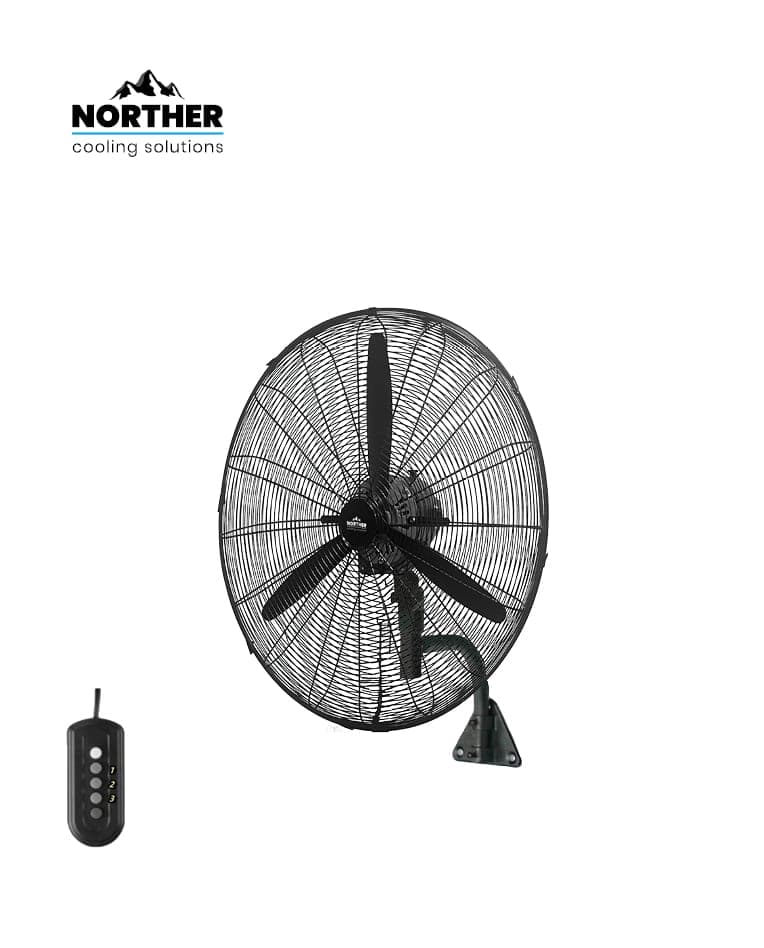
A sweltering warehouse, stuffy garage, or factory with no air circulation — that is the exact problem a 28" industrial fan solves. In this guide we explain how to choose between a wall-mount and a stand model, and how to install the NORTHER Hurricane 28" safely and correctly for any commercial or industrial space.
Quick Summary
✅ 28" fan covers up to 150-200 m² depending on ceiling height
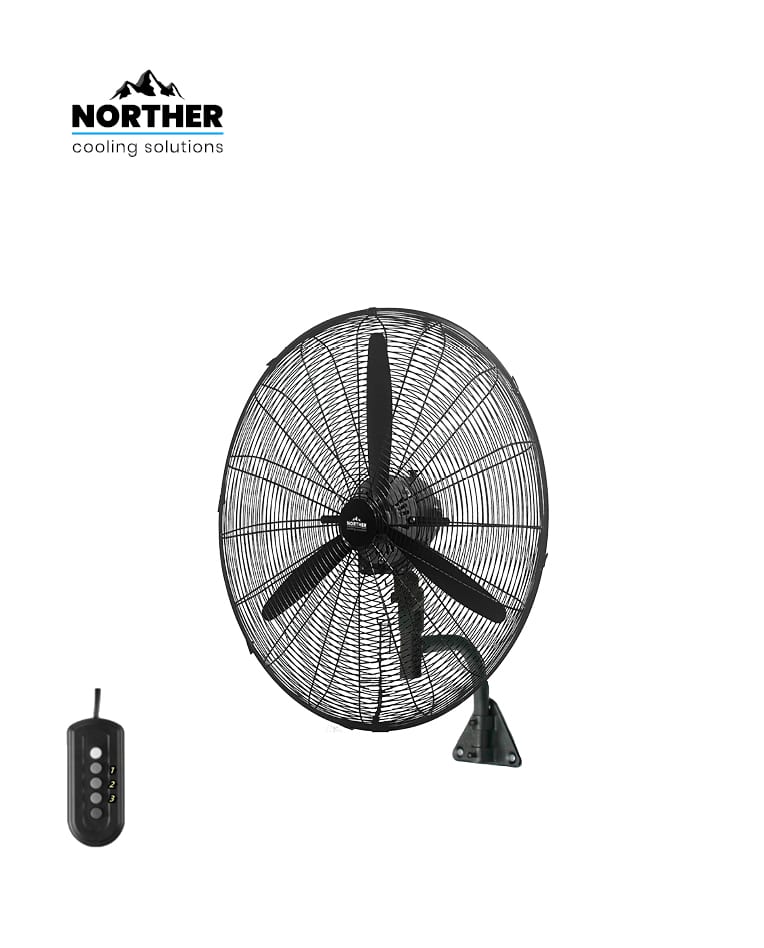
💡 Wall model (NT-FAN28WL, ₪414) — fixed installation, saves floor space
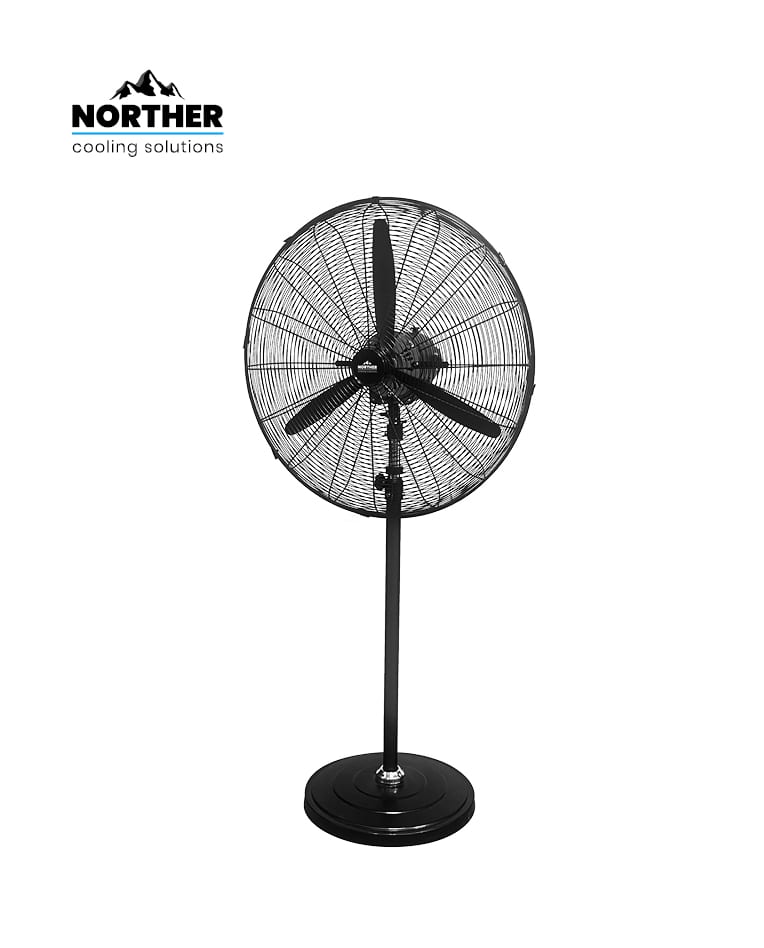
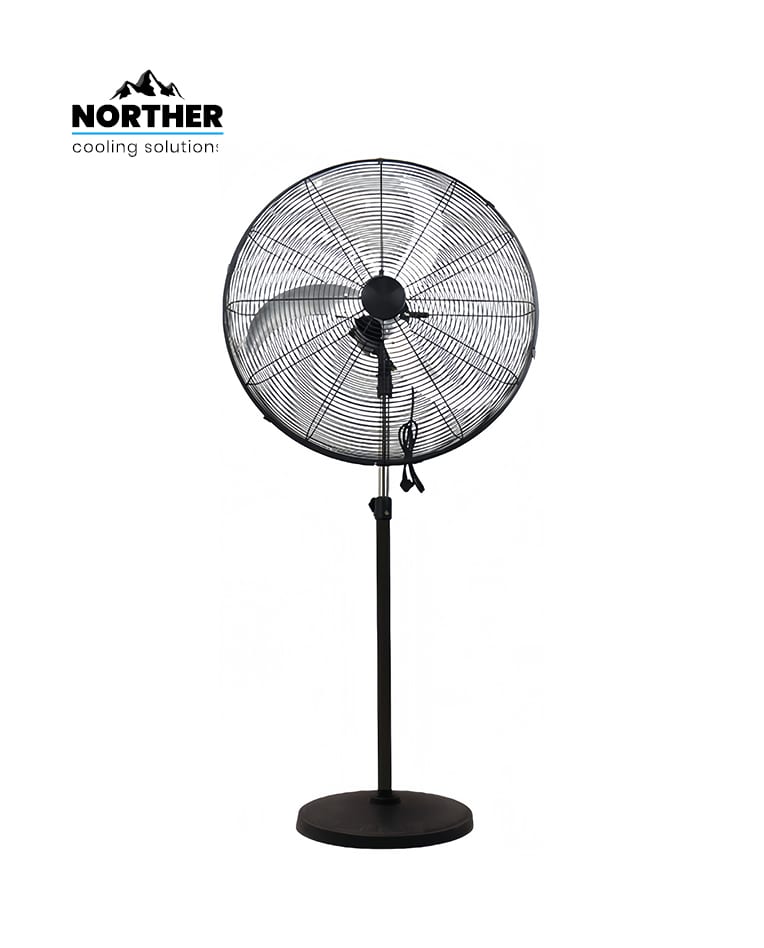
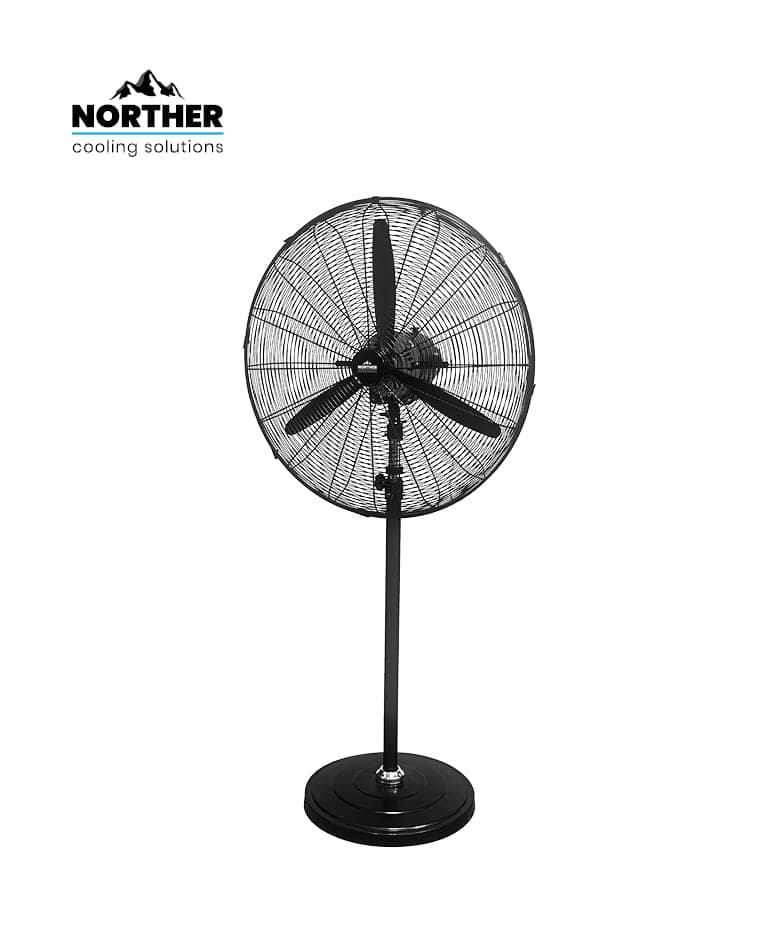
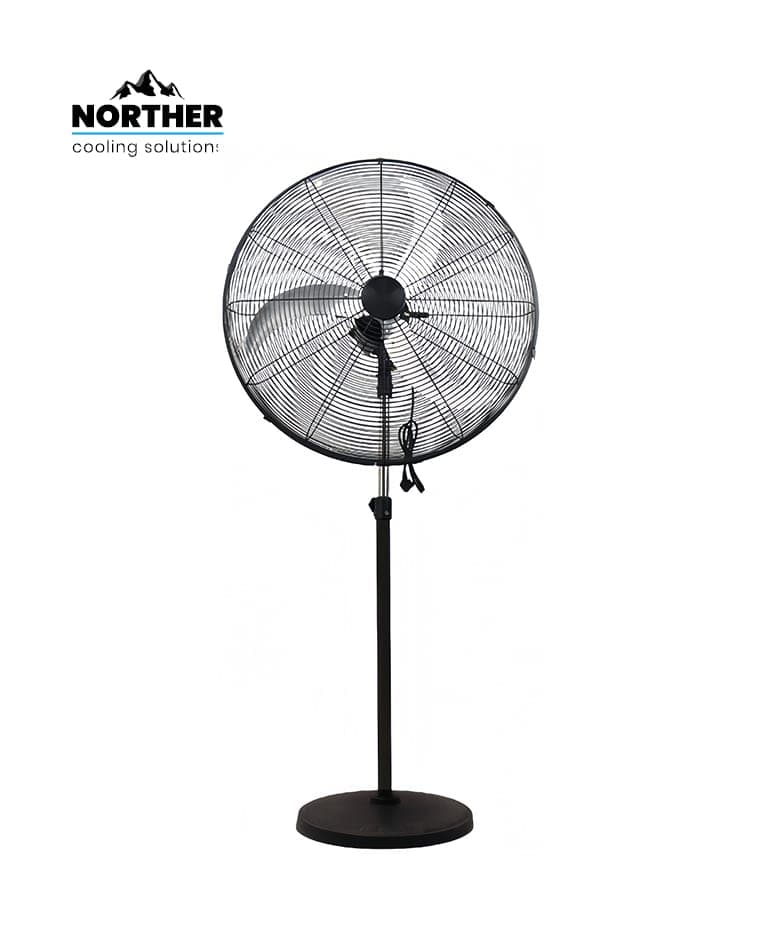
🔧 Stand model (NT-FAN28ST, ₪425) — portable and flexible
⚡ 125-200W only — low hourly operating cost
🛒 All models in stock at ramo.co.il with fast delivery
What You Need Before Starting 🧰
Prepare the following before installation:
NORTHER Hurricane 28" fan (wall: NT-FAN28WL, or stand: NT-FAN28ST / NT-FAN28-DC-ST)
Power drill with 10 mm concrete bit (wall model only)
Concrete anchors 8 mm × 4 units (usually included in box)
Screwdrivers (flat and Allen key)
Work ladder suitable for 2.5-3 m height
Power outlet 230V 16A within 2 m of the fan
For spaces up to 100 m²: one fan is sufficient. For 100-200 m²: two fans in opposite corners for maximum effect.
⚠️ Important Before You Start
Wall installation only: mount on solid concrete or block walls only — do NOT mount on drywall, wood, or lightweight panels. The fan weighs approx. 7 kg and produces vibration during operation. Bolts must penetrate at least 6 cm into the wall with approved load anchors.
Step-by-Step Installation Guide 👷
Step 1: Choose the right model
For a space with a free concrete wall (garage, warehouse, factory) — choose the wall model NT-FAN28WL (₪414). For open spaces, mobile use, or when no suitable wall is available — choose the stand model NT-FAN28ST (₪425) or the DC model NT-FAN28-DC-ST (₪522) for even lower energy consumption.
Step 2: Choose the optimal location
Mount the fan at 2.5-3 m height on the wall. Position it to create diagonal airflow along the full length of the space. Avoid pointing directly at workers — aim the airflow above head height. For stand models, position in a corner angled diagonally across the room.
Step 3: Mark and drill (wall model only)
Hold the wall bracket in position at the chosen height and mark 4 anchor points. Check for electrical cables behind the wall with a cable detector. Drill 10 mm holes to a depth of 6-7 cm, clear out the dust, and insert 8 mm nail anchors.
Step 4: Install the fan
Wall model: bolt the wall bracket with 4 screws, then attach the support arm and fan head assembly. Stand model: unfold the legs, tighten the base bolts, and attach the fan head to the pole.
Step 5: Attach the blades
Install all 5 fan blades in the marked order (1-5). Tighten all blade bolts fully. Spin by hand and confirm blades are balanced and clear of each other.
Step 6: Connect to power
Plug the power cable into a standard 230V/16A outlet. No special wiring required. If the fan is far from the outlet, use an appropriate extension cord (minimum 1.5 mm² cross-section for 200W models).
Step 7: Test run
Start at speed 1 (low) and check for vibrations or unusual sounds. If all is well, increase to the desired speed setting.
💡 Pro Tip
Want to cool a large space even faster in Israel's hot summers? Place a bucket of ice behind the fan — the fan pulls cold air forward, creating a natural evaporative cooling effect. Works for several hours and costs almost nothing.
Products Available at ramo.co.il 🛒
Products You Will Need ⭐
Frequently Asked Questions ❓
How much area does a 28" industrial fan cover?
A 28" 200W fan covers approximately 150-200 m² at standard ceiling heights (4-6 m). At greater heights you may need two fans.
Wall mount vs. stand — which should I choose?
The wall model (NT-FAN28WL) is fixed and frees up floor space — ideal for warehouses and garages with a suitable concrete wall. The stand model (NT-FAN28ST) is fully portable — great for job sites, spaces without a free wall, or when you need to move the fan between areas.
Is this fan suitable for outdoor use?
The Hurricane 28" models are designed for covered indoor use. For outdoor use (pergola, garden) use IP65-rated outdoor fans from a different series.
How much does it cost to run per month?
200W model at 8 hours/day: 200W × 8h × 30 days = 48 kWh. At Israel's rate of ~₪0.65/kWh — approximately ₪31/month. The 125W DC model costs around ₪19/month under the same usage.
Do I need an electrician to install it?
For the stand model — no, just plug it in. For the wall model — you can DIY if you have concrete drilling experience, otherwise a contractor or handyman is recommended to secure the bracket.
Conclusion
The NORTHER Hurricane 28" industrial fan is the smart solution for ventilating any large commercial space — powerful, durable, and attractively priced. Order today and feel the difference from day one! 🌬️