
Renovating an apartment or replacing old sockets? 🔌 The Nisko Switch series is Israel's most popular modular socket system — interchangeable frames, simple installation into existing boxes, and built-in USB fast charging. This guide explains how to select the right components and assemble a socket or switch professionally.
Quick Summary
✅ Nisko Switch fits standard 55mm round boxes and rectangular boxes
💡 A 2M adapter lets you mount a socket on a round box without breaking the wall
⚠️ Always turn off power at the breaker before any socket work
🔧 Triple USB Type-C PD module — recommended for modern bedrooms
📦 Nisko Switch components from ₪2 — fully stocked at ramo.co.il
What You Need Before Installation 🧰
To install a Nisko Switch socket you need: a Phillips screwdriver + flathead screwdriver, a voltage tester to confirm power is off, and the Nisko Switch components: socket module (1M/2M/3M/4M based on box size), BE frame, and the correct adapter for your box type — 55mm round box needs the 60mm adapter with teeth (2M, ₪3), rectangular box needs the rectangular adapter (2M, ₪3). For USB — choose the Triple USB 2CA PD 20W module with BE frame (₪99).
⚠️ Mandatory: Turn Off Power Before Installation!
Before any socket work — switch off the relevant breaker at the electrical panel and verify zero voltage with a tester. Working on live wires is life-threatening. For new wiring — always hire a licensed electrician.
Step by Step — Installing a Nisko Switch Socket 👷
Step 1: Switch off the circuit breaker. Verify zero voltage with a tester.
Step 2: Unscrew the old socket cover and pull out the old module.
Step 3: Choose the correct adapter — 60mm with teeth for round boxes, rectangular adapter for rectangular boxes. Screw adapter into box.
Step 4: Connect wires: Live (L) to right terminal, Neutral (N) to left, Earth to centre. Tighten to 0.5Nm.
Step 5: Snap the Nisko BE white socket into the adapter until it clicks. Clip on the BE frame.
Step 6: Restore power. Test voltage (230V AC). Plug in a small device to confirm.
💡 Pro Tip
When installing the Triple USB module, use a 4M box not 3M — the extra space accommodates the USB board and cables neatly. A 1M Dami blank fills any gap in combined frames.
Products Available at ramo.co.il 🛒
| Image | Product | Price (incl. VAT) | Stock | Buy |
|---|---|---|---|---|
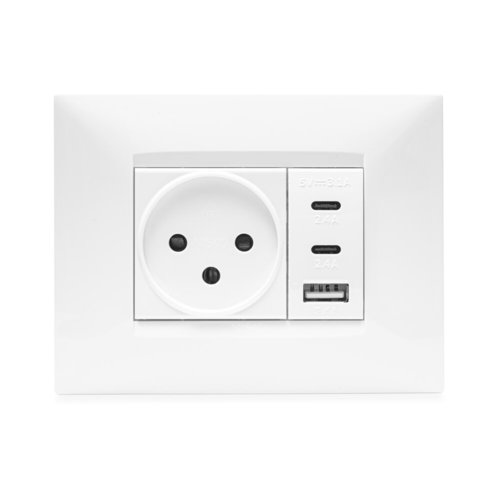 | Triple USB 2CA PD 20W + BE White Frame 3M Nisko Switch | **₪99** incl. VAT | ✅ In Stock | 🛒 Buy |
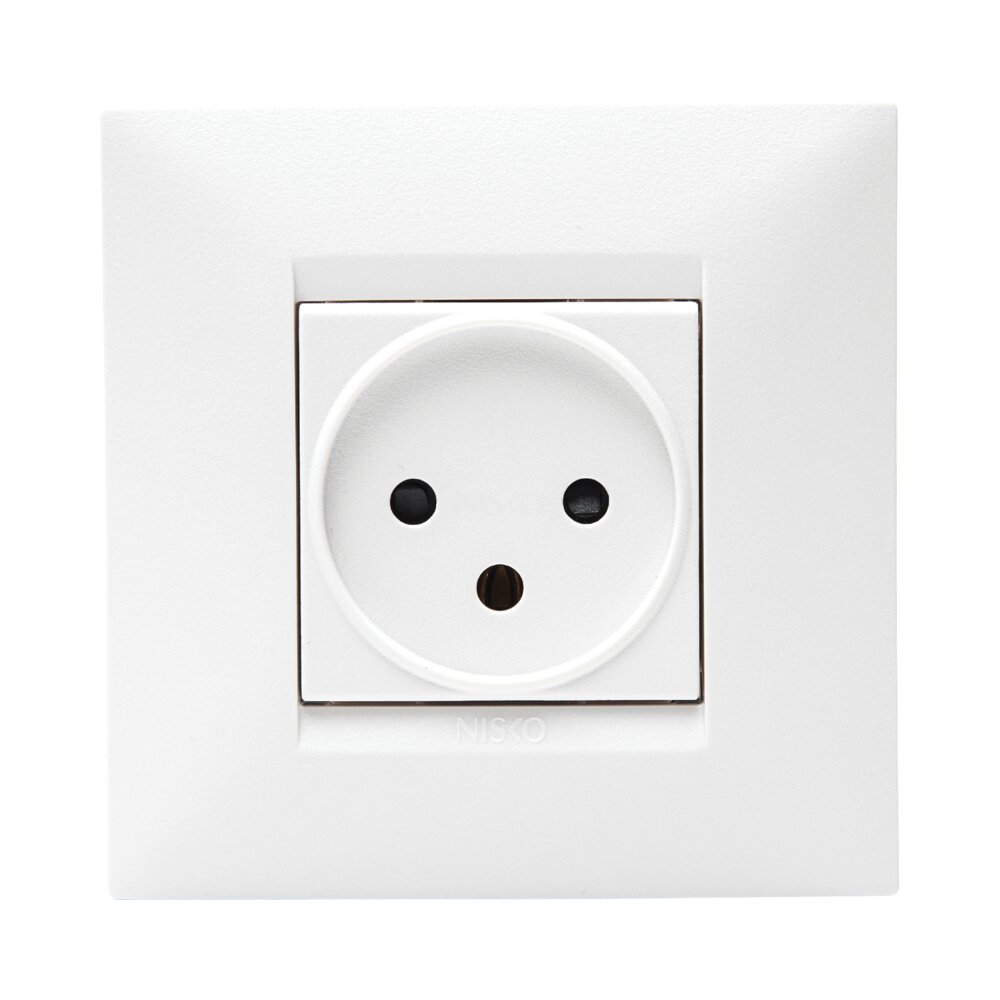 | Nisko BE White Socket for Round 55mm Box | **₪10** incl. VAT | ✅ In Stock | 🛒 Buy |
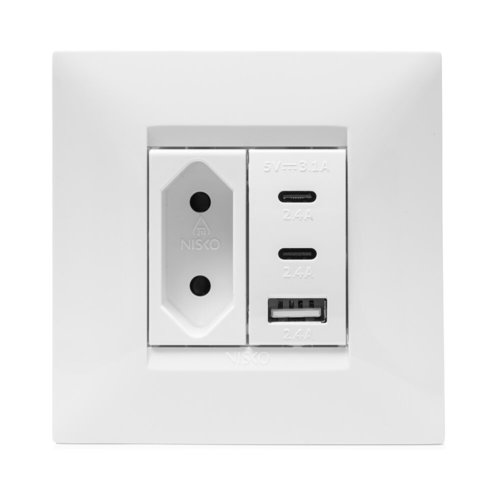 | Triple USB + 2-pin Socket for 55mm Box Nisko | **₪97** incl. VAT | ✅ In Stock | 🛒 Buy |
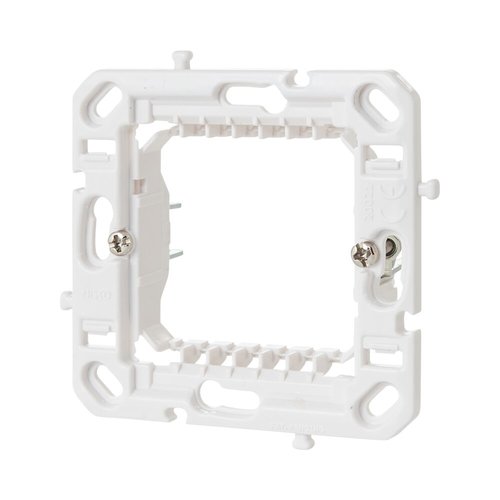 | 60mm Adapter with Teeth 2M Nisko Switch | **₪3** incl. VAT | ✅ In Stock | 🛒 Buy |
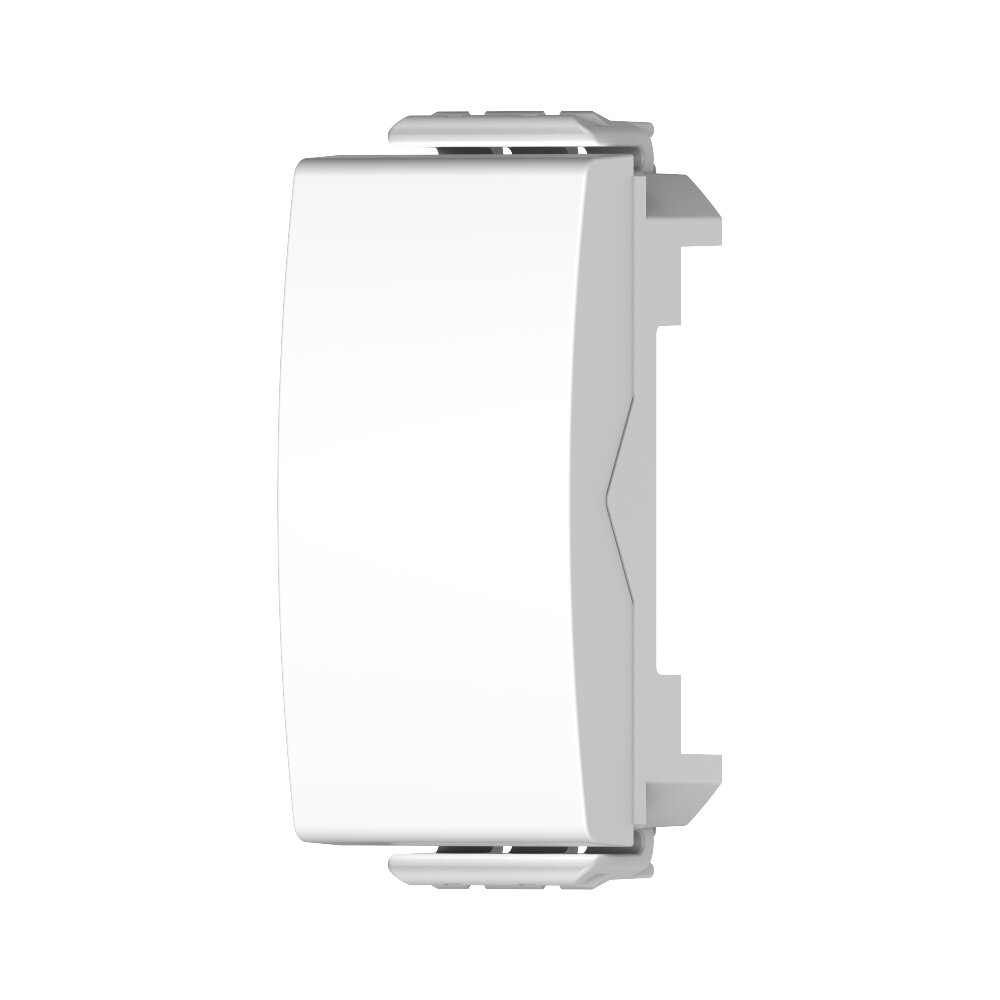 | Dami White 1M Nisko Switch Blank | **₪2** incl. VAT | ✅ In Stock | 🛒 Buy |
Products You'll Need ⭐

Triple USB Enclosure with 2CA PD 20W Socket and White BE Frame, 3M NISKO Switch
₪142
View product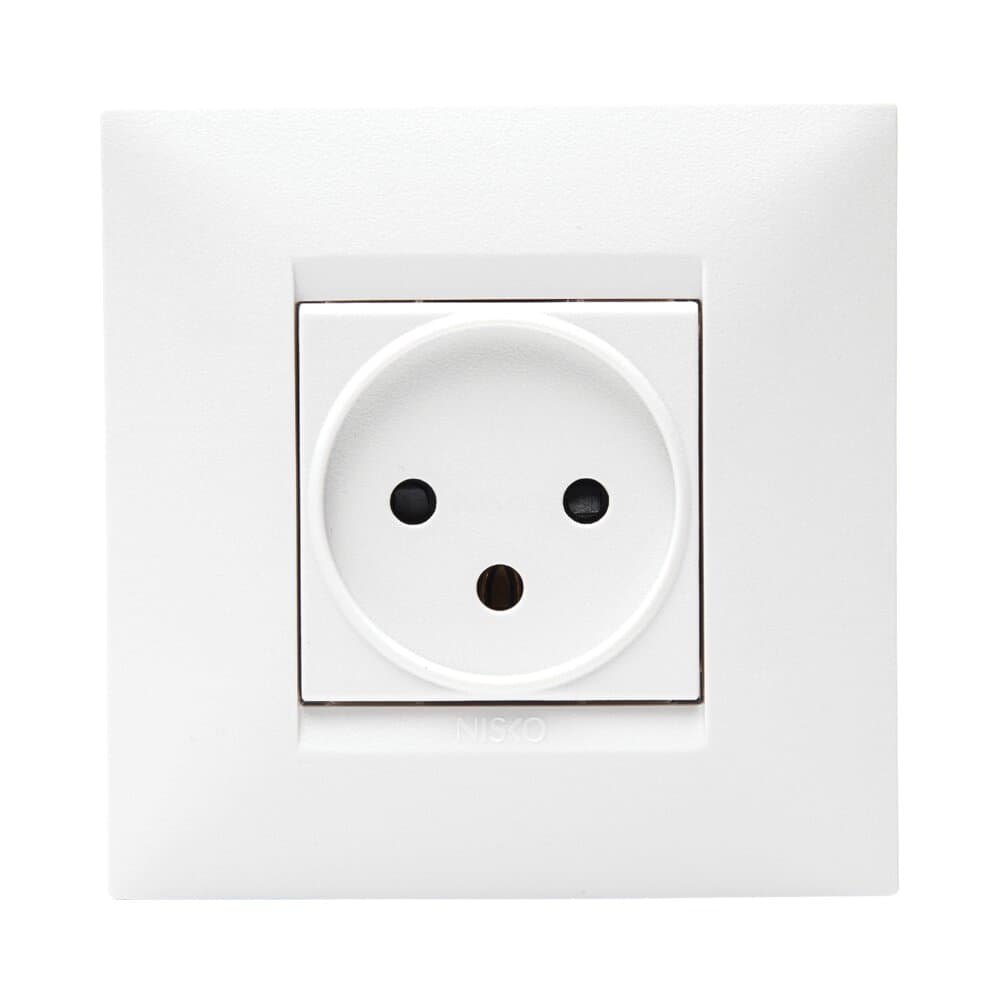
Nisko BE white socket, power outlet for 55 round box
₪10
View product
Triple USB Socket with 2-Pin Outlet for 55 Box Nisko
₪98
View product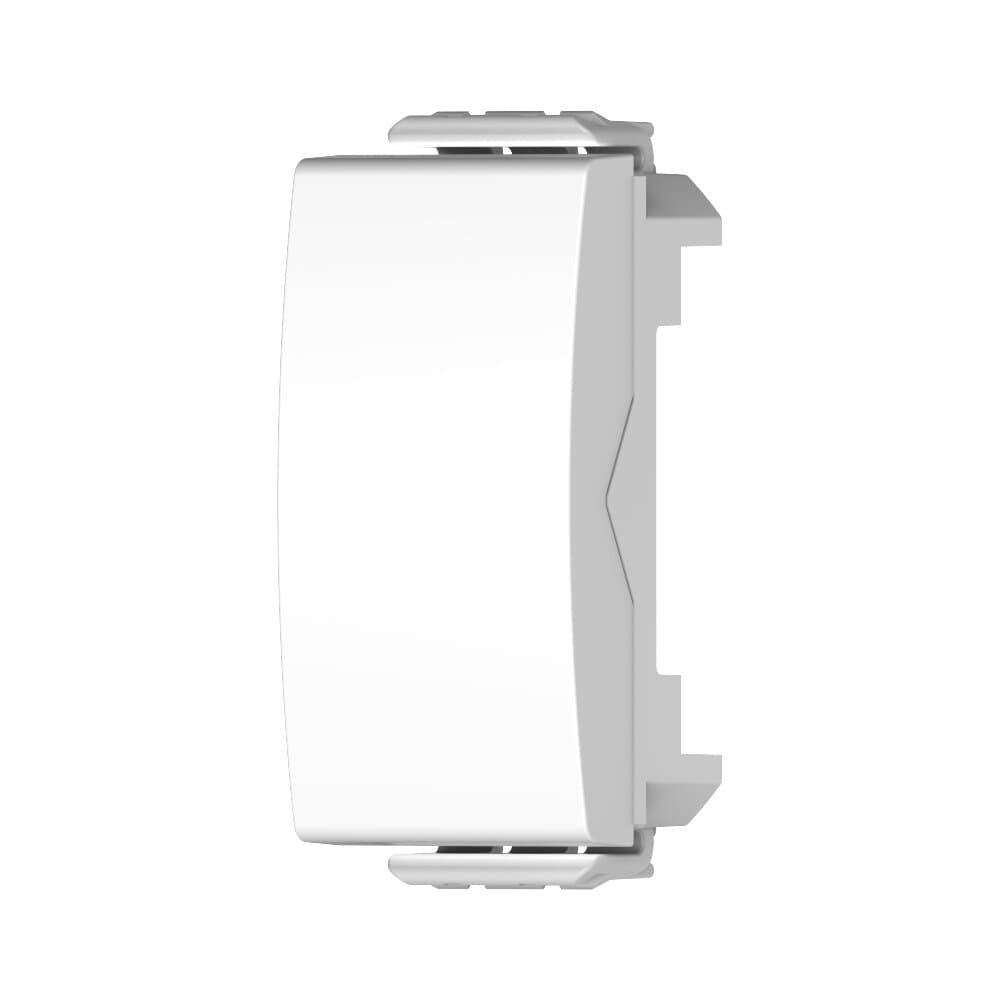
Nisko Switch 1M White Blank
₪2
View product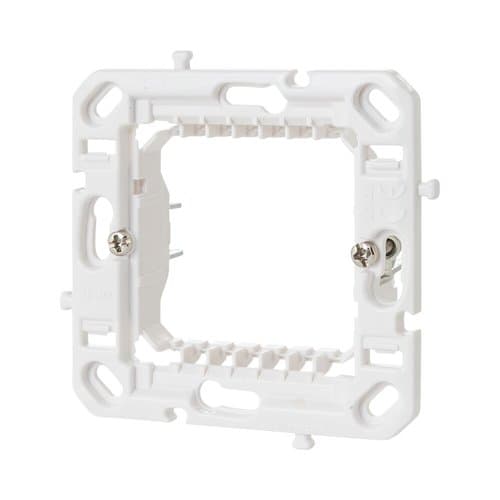
60mm Adapter with Slots 2M Nisko Switch
₪3
View product
Rectangular Adapter for 60mm Round Box 2M Nisko Switch
₪3
View productFAQ ❓
Do I need an electrician to replace a Nisko socket?
Replacing an existing socket with the same type is generally permitted for homeowners. New wiring or panel work requires a licensed electrician under Israeli standards.
How many modules fit in one rectangular box?
A standard 2M box holds 2 modules. 3M holds 3, 4M holds 4 — including USB modules.
Is Nisko Switch BE compatible with old boxes?
Yes — the BE series is compatible with most existing Israeli wall boxes using the appropriate adapter.
Conclusion
Nisko Switch makes professional socket installation easy — quality components and clean design that suits any apartment. 🔌 Order now at ramo.co.il with fast delivery.